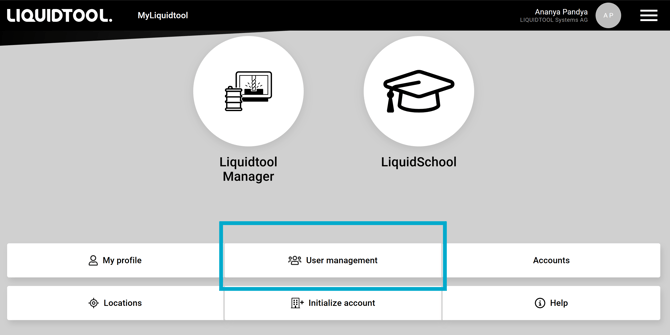
Everything about who sees your data lives in MANAGER, under User Management
- Add a user: go to User Management, click the + icon, choose “Add user” and fill in their details.
- Assign roles: give people exactly the rights they need, nothing more. Your day-to-day coolant person and whoever keeps an eye on the account don't need the same access.
- Remove a user: revoke access in User Management the moment someone leaves or no longer needs it.
Open MANAGER --> USER MANAGEMENT